Get your CAD and ERP / PLM / PDM talking
Find out how CADTALK can help you cut costs, save time, and reduce errors.
Automatically transfer Bill of Material (BOM) data with real time two-way communication.
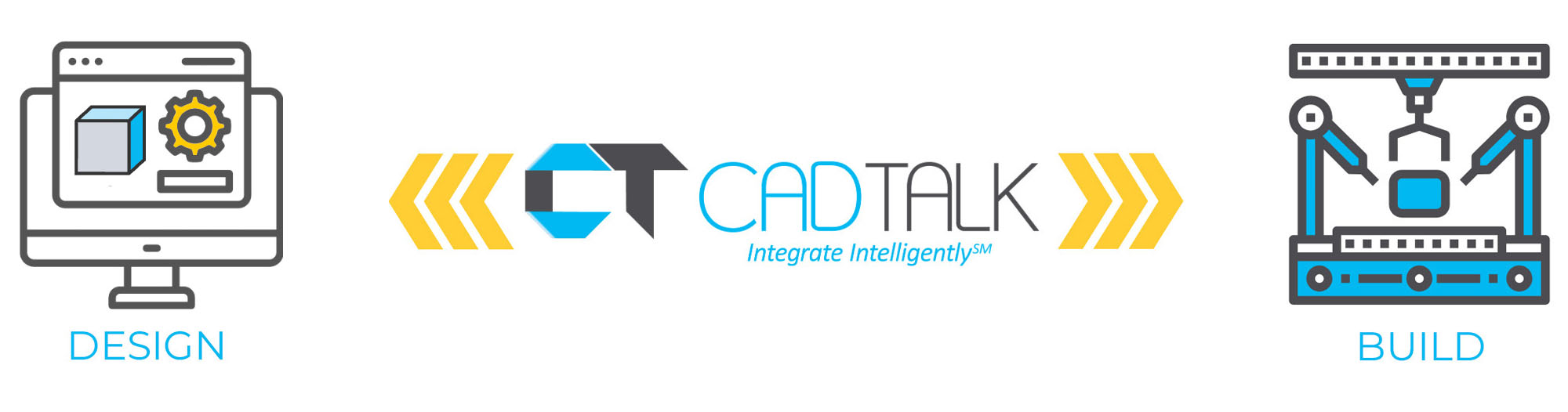
No custom development required!
Trusted by leading companies across multiple industries such as industrial and capital equipment, automotive, aerospace and defense, medical devices, food & beverage
See if CADTALK is right for you!
Automatically transfer Bill of Material (BOM) data with real time two-way communication.
Get from design to production faster
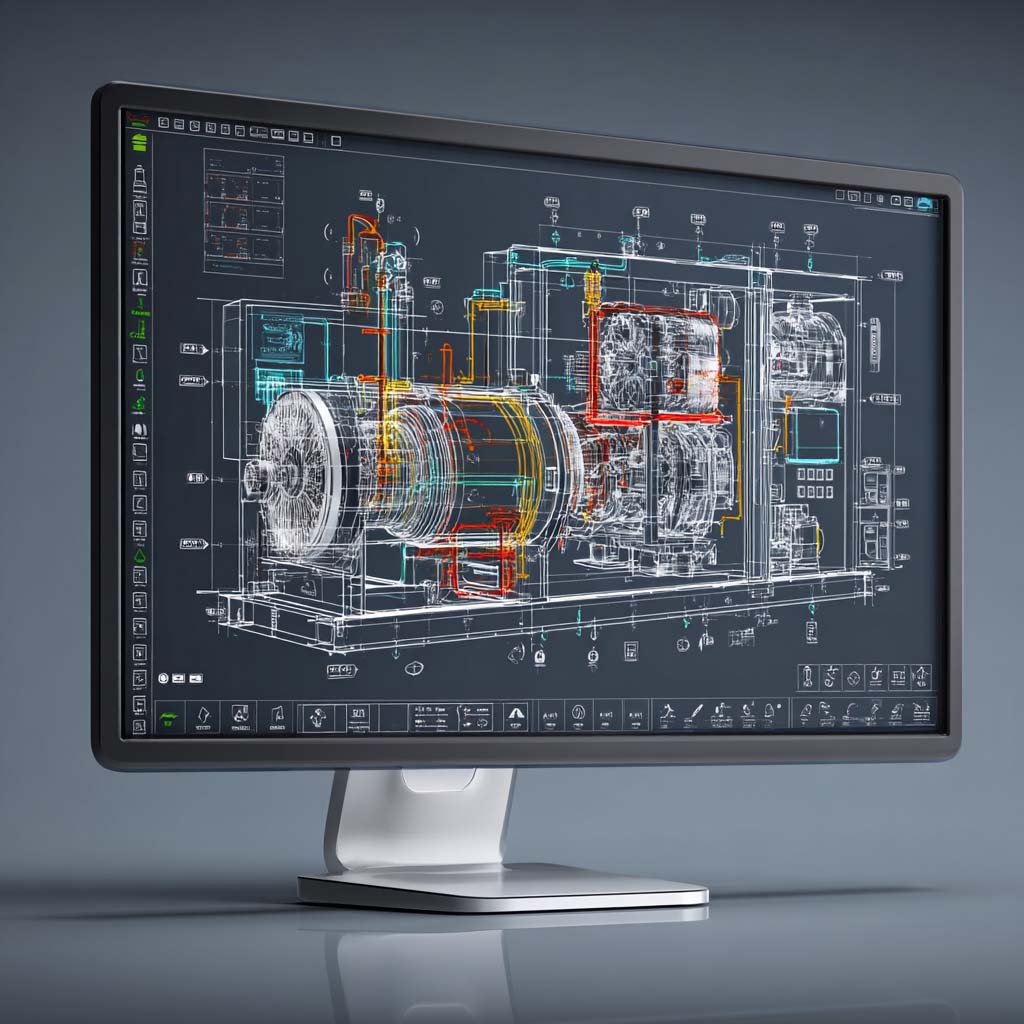
CADTALK integrates your systems so designs become products faster: saving time, cutting costs, and keeping your team in sync.
Calculate how much
CADTALK can save your business

CADTALK makes CAD integration simple
Are you still entering your BOM’s manually?
Stop doing the extra work and partner with CADTALK.
What CADTALK customers are saying
CADTALK platform makes for happier customers.
CADTALK’s bi-directional capability helps to automate part number creation for new items and ensure existing items are assigned the correct part number. The CADTALK platform reduces manufacturing lead time, improves inventory accuracy, and makes for happier customers.
Nick Knight
President, ASWi
We were able to get through it within a couple of weeks
Your team worked very quickly to get us access to those custom fields and get them set up. We were able to get through it within a couple of weeks. It was pretty fast! That was cool to find out in that moment, yes, we did choose to work with the right people on this process.
Bryce Ludwig
Milbank Manufacturing
The initial reaction was how easy CADTALK was to use
The initial reaction was how easy [CADTALK] was to use. How easy it was just to load in a drawing… Very few settings when you’re uploading something because you can configure it so that it works out what it needs to be and does all the correct combinations.
Ben Johnson
Sands Agricultural Machinery
Advanced features and unmatched capabilities
CADTALK blog
Read the latest from CADTALK experts! Whether you’re looking for content on ERP implementation, CAD integration, design engineering, or other topics, you can find it here!
Check out recent podcasts for case studies and best practices
Frequently asked questions
Integration software sits between your CAD system (SolidWorks, Inventor, Creo) and your ERP, reading engineering BOM data and transforming it into manufacturing-ready BOMs. Modern solutions use configurable rules engines rather than custom code, communicating via existing APIs in both systems. Read the detailed explanation.
Every solution differs, but with CADTALK, expect $20K-$50K year one, then $10K-$25K annually. Most manufacturers see ROI in 2 to 4 months when you calculate engineer time saved. If 10 engineers spend 6 hours weekly on manual BOM entry, that's $234K annually in wasted labor. See the full cost breakdown.
We can't speak for all solutions, but with CADTALK expect $20K-$50K year one, then $10K-$25K annually. Most manufacturers see ROI in 3-6 months when you calculate engineer time saved—if 10 engineers spend 6 hours weekly on manual BOM entry, that's $234K annually in wasted labor. See the full cost breakdown.
Typically 8 to 12 weeks for single-site implementations: 2 weeks discovery, 2 weeks configuration, 3 weeks testing, 3 weeks training, 2 weeks parallel production. Multi-site or complex transformations take longer. See the full phase-by-phase breakdown.
Most platforms integrate common combinations: SolidWorks/Inventor/Creo on the CAD side, PDM systems like SolidWorks PDM and Vault, and ERP platforms including Microsoft Dynamics 365 Business Central and Finance & Operations, IFS Cloud, Infor CloudSuite Industrial, NetSuite, Acumatica, SYSPRO, and Arena PLM. Always verify your specific combination. Read about our connections.
Involve engineers early in vendor selection, start with your most tech-savvy advocates, run parallel processes for 2 to 4 weeks, and get executive air cover. Show engineers what they gain (no more ERP data entry, fewer errors, more design time) rather than just what changes. One customer's engineers hated it for three weeks until one updated a 500-part BOM in 15 minutes instead of a full day. That engineer became their biggest champion. Read more about how CADTALK can benefit your engineering team.
Three approaches: mirror every CAD revision to ERP (simple but noisy), selective propagation where only "Released" revisions sync (cleaner), or change-order driven where ECOs trigger updates (more control). Good integrations automate ECO creation and maintain revision history with effectivity dates. See how ECO handling works in practice.
Goal is 95% automation with 5% strategic validation. Automated: part creation, BOM structure, quantities, make-vs-buy logic, documents. Manual: exception handling when parts already exist, new vendor setup, costing review. The remaining work is engineering judgment. See the full automation breakdown, including the 90-day improvement curve.
Yes. Depth, width, configurations, phantom assemblies, multi-level where-used. CADTALK processes one aerospace customer's assemblies with 12 levels, 3,400 parts, and 6 configurations in 4 minutes. Bring your worst-case BOM to demos. See the full breakdown of what "complex" actually means.
Pre-flight checks validate CAD data before sync, color-coded previews show what will happen (new, updates, errors), dry-run capability lets you test first, and post-creation validation catches issues. Systems learn from errors and build rules to prevent repeat problems. Read more here.
Expect technical support for bugs, application support for configuration questions, software updates, and training. With CADTALK, annual maintenance (18-22% of license cost) covers all this plus proactive customer success. Look for response SLAs, upgrade support, rules engine training, and active user communities. See the full support model, including red flags to watch for.
Yes, that's the point of configurable platforms. Progressive learning: basic field mapping (30 minutes), conditional logic (hours), complex expressions (2-3 day training), advanced transformations (6-12 months practice). Most customers handle 90% of changes internally after a year. Read more here.
Calculate the true cost: engineer time × 50 weeks × loaded rate. Add error rates, revision control headaches, and knowledge locked in one person's head. Most "working" processes cost $200K+ annually and don't scale. One customer's Excel process worked until their key person retired, and the process was dead in the water for three weeks. Calculate your ROI now.
The 1:3 ratio rule: about 1 floating license per 3 engineers. Not everyone creates BOMs daily. Examples: 5 engineers need 2-3 licenses (~$200-300/month), 25 engineers need 8-10 licenses (~$800-1,000/month). Learn more about our licensing model.
Custom integrations break. Platform approaches don't. Vendors test against new versions, update their platform for API changes, you install the update, you upgrade your systems, and the integration keeps working. CADTALK customers upgraded IFS Cloud 22→23 with zero downtime. See how CADTALK compares to custom integrations.
Supporting Leading CAD and Business Enterprise Systems
CAD SYSTEMS





PDM / PLM / ERP SYSTEMS